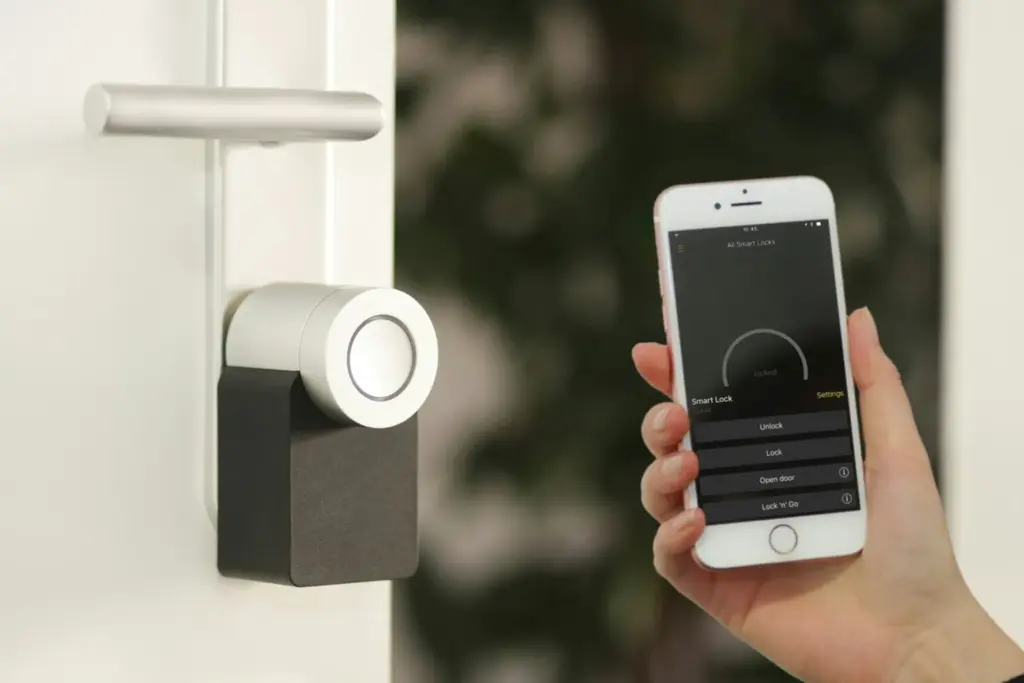
The U.S. smart home market hit $54.53 billion in 2026, and 69% of American households now own at least one connected device.
That number has nearly doubled since 2022, driven by a wave of interoperability improvements, plummeting sensor costs, and the maturation of the Matter protocol. For homeowners in Austin and the Texas Hill Country, smart technology solves real problems: managing triple-digit summer heat, protecting against water damage, securing properties during travel, and cutting energy bills that keep climbing with ERCOT rate adjustments.
According to the Consumer Technology Association, smart home technology can increase a property’s resale value by 5% to 10%. On a $500,000 home in Bee Cave or Lakeway, that translates to $25,000 to $50,000 in perceived value. The Houston Association of Realtors reports that buyers consistently rank smart thermostats, security cameras, and smart locks among the top three features they look for beyond basic home condition.
The safety and security segment alone grew 151% between 2019 and 2023, according to Today’s Homeowner, making it the fastest-growing smart home category. And in Central Texas, where summer cooling accounts for a significant portion of annual utility costs, a $250 smart thermostat paying for itself in under a year is not a theoretical benefit. Austin Energy even subsidizes the purchase with rebates and ongoing bill credits through its Power Partner program.
This guide covers every category of smart home technology available to homeowners in 2026, from the networking foundation that makes it all work to the privacy considerations that keep your data safe. Whether you are building new construction in Dripping Springs, retrofitting a 1990s home in Cedar Park, or evaluating smart home features as a buyer, the goal is the same: spend on what actually works and skip the gimmicks.

Your Smart Home Foundation: WiFi and Mesh Networking
Every smart device in your home depends on one thing: a reliable network. A single router in the hallway closet worked in 2015 when you had a laptop and a phone. In 2026, the average U.S. household connects 22 devices to its network simultaneously, according to Deloitte’s connectivity survey. Smart cameras, thermostats, locks, speakers, TVs, irrigation controllers, and leak sensors all compete for bandwidth, and dead zones in the back bedroom or the garage kill the entire experience.
Mesh WiFi Systems: The Non-Negotiable Upgrade
Mesh WiFi replaced traditional range extenders because it creates a single seamless network with multiple access points. You move through your home without dropped connections, and every device sees strong signal regardless of which room it is in.
The four mesh systems worth considering in 2026:
| System | Best For | WiFi Standard | Price (3-pack) | Coverage |
|---|---|---|---|---|
| Eero Pro 7 | Easiest setup, best overall | WiFi 7 | $500-$600 | 6,000 sq ft |
| Netgear Orbi 970 | Power users, 200+ devices | WiFi 7 (quad-band) | $1,500+ | 10,000 sq ft |
| Google Nest WiFi Pro | Google Home ecosystem | WiFi 6E | $300-$400 | 6,600 sq ft |
| TP-Link Deco XE75 | Budget-friendly | WiFi 6E | $200-$300 | 5,500 sq ft |
For most homes in the Austin area (2,000 to 4,000 square feet), a three-node Eero Pro 7 or Google Nest WiFi Pro provides full coverage including outdoor cameras on the porch and garage. Homes above 5,000 square feet or properties with stone and stucco walls (common in Hill Country construction) may need a fourth node.
The Wired Backbone
Wireless handles most smart home devices, but some equipment performs dramatically better on a hardwired Ethernet connection. Security cameras transmitting continuous 4K video, home office setups, and gaming consoles should all be on a wired connection when possible. For homes with an existing structured wiring panel, connecting your mesh nodes via Ethernet backhaul eliminates wireless congestion between nodes and can double throughput.
If you are considering new construction in Austin, read the structured wiring section below. It is the single cheapest form of future-proofing you can build into a home.
Smart Security: Locks, Cameras, and Video Doorbells
Home security was the entry point for most smart home adopters, and it remains the category with the clearest return on investment. A visible camera system deters break-ins. Smart locks eliminate the lockout-locksmith cycle. Video doorbells let you talk to delivery drivers from your office.
Security Systems: Ring vs. Google Nest
The two dominant ecosystems have diverged significantly. Ring (owned by Amazon) offers complete security systems with door/window sensors, motion detectors, keypads, and professional monitoring starting at $20 per month. Google Nest exited the full alarm system market and now focuses exclusively on cameras and doorbells with AI-powered detection.
| Feature | Ring Alarm Pro | Google Nest |
|---|---|---|
| Full alarm system | Yes (sensors, keypad, siren) | No |
| Professional monitoring | $20/mo (Ring Protect Pro) | No standalone plan |
| Camera AI detection | Person, package, motion | Person, package, animal, vehicle |
| Local processing | Ring Alarm Pro (Eero built-in) | On-device AI for alerts |
| Voice assistant | Alexa (deep integration) | Google Assistant |
| Monthly camera storage | $10-$20/mo | $8-$15/mo (Nest Aware) |
| Best for | Complete DIY security | Camera-focused monitoring |
For Austin homeowners who want a full security system with monitoring, Ring Alarm is the more complete and affordable option. If you already live in the Google ecosystem and primarily want intelligent camera coverage, Nest cameras deliver superior AI detection capabilities that distinguish between a person, a delivery truck, and a neighbor’s dog.
Smart Locks
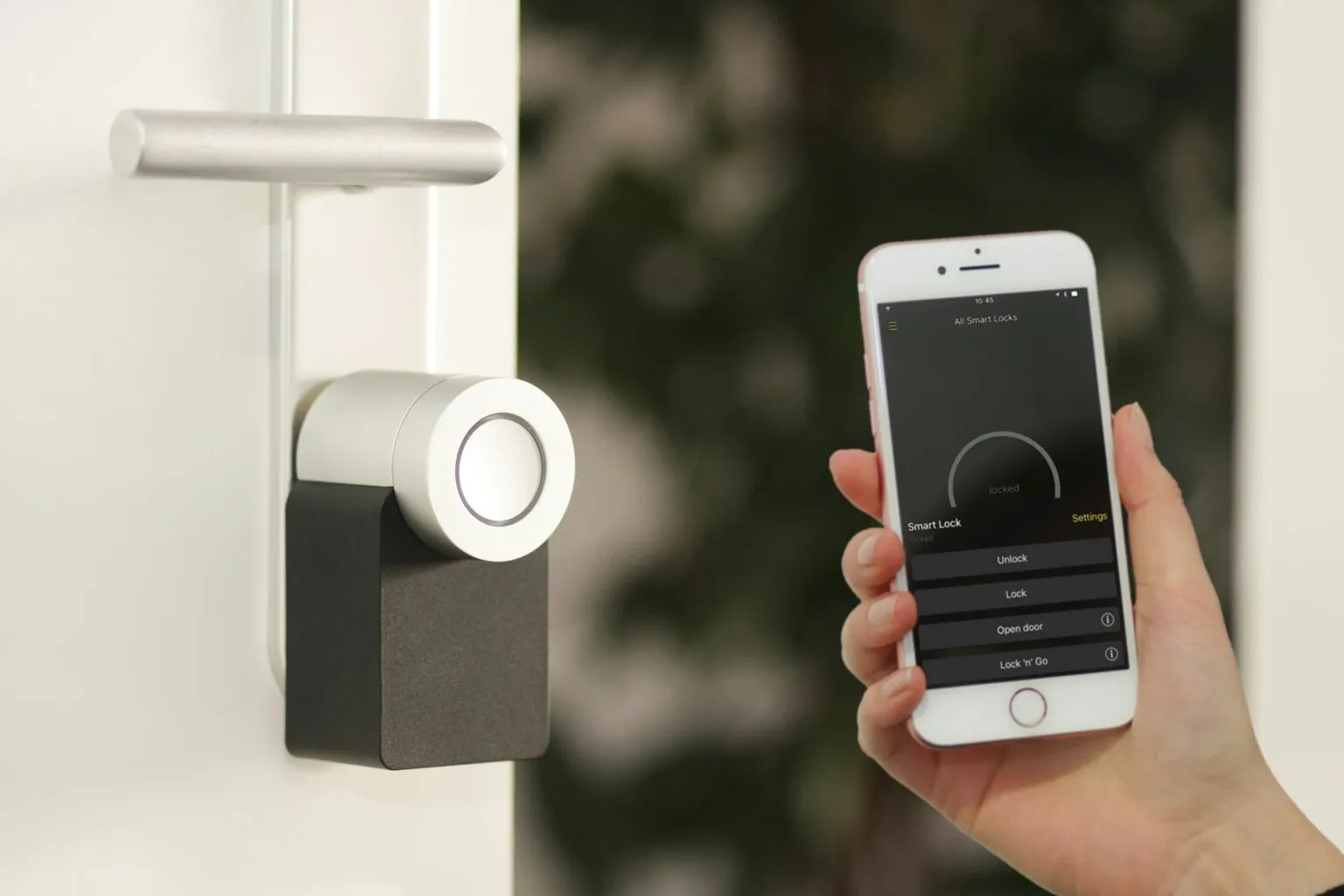
Smart locks range from $150 to $350 and replace the standard deadbolt with keypad, fingerprint, or app-controlled access. The leading options in 2026 include the Yale Assure Lock 2 (works with all three ecosystems via Matter), August WiFi Smart Lock (retrofit-friendly, keeps your existing exterior hardware), and Schlage Encode Plus (Apple Home Key support, built-in WiFi).
For homeowners who travel frequently or manage rental properties, smart locks provide remote access control, time-limited guest codes, and activity logs showing exactly when doors were locked and unlocked. They pair naturally with video doorbells: you see who is at the door, verify their identity, and unlock remotely without sharing a physical key.
Video Doorbells
Ring dominates this category with options from $100 to $250, but Eufy offers a compelling local-storage alternative (no monthly fee) and Google Nest Doorbell excels at on-device person recognition. The key buying criteria: field of view (look for 150 degrees or wider), HDR night vision quality, two-way audio, and whether the unit requires hardwired power or runs on battery.
Ed Neuhaus, broker of Neuhaus Realty Group, notes that video doorbells and smart locks are now the two most commonly requested features in Hill Country homes, particularly among buyers relocating from out of state who want remote monitoring before they complete their move.
Smart Thermostats and Climate Control
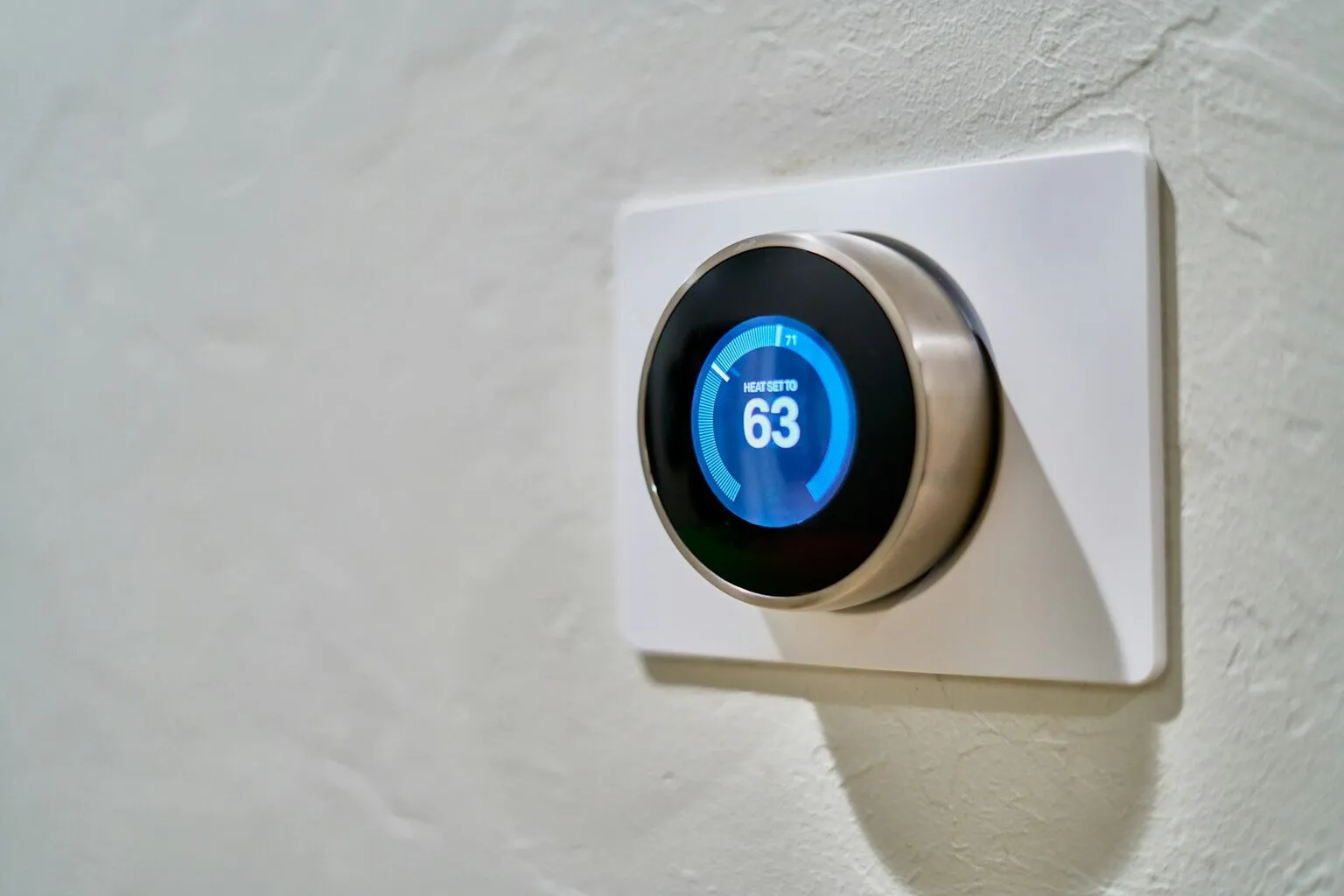
In Central Texas, where summer temperatures exceed 100 degrees for weeks at a time and HVAC can account for 43% of home energy costs (per the U.S. Department of Energy), a smart thermostat is not a luxury. It is the highest-ROI smart home device you can buy.
How Much Do Smart Thermostats Actually Save?
The EPA’s Energy Star program has verified savings claims from major manufacturers. The numbers are real:
| Thermostat | Price | Verified Savings | Annual $ Saved (on $2,400 HVAC) | Payback Period |
|---|---|---|---|---|
| Ecobee Smart Thermostat Premium | $249 | Up to 23% | Up to $552 | 5-6 months |
| Google Nest Learning (4th Gen) | $279 | 10-12% heating, 15% cooling | $288-$360 | 9-12 months |
| Honeywell Home T9 | $170 | Up to 10% | Up to $240 | 8-9 months |
| Amazon Smart Thermostat | $80 | Up to 8% (Energy Star) | Up to $192 | 5 months |
The savings come from three mechanisms: automatic scheduling that stops heating or cooling an empty house, geofencing that detects when everyone has left and adjusts accordingly, and room sensors that prevent wasting energy on unoccupied spaces.
In Austin, where average summer electric bills for a 2,500-square-foot home run $250 to $400 per month, the Ecobee Premium’s 23% savings translates to $57 to $92 per month during peak cooling season. That is meaningful.
Austin Energy Incentives
Austin Energy sweetens the deal substantially. As of November 2025, the utility offers a $50 rebate on eligible smart thermostat purchases (increased from the previous $30). But the real value comes from the Power Partner program: enroll your thermostat and earn a $75 upfront credit plus $30 annually for each thermostat that remains in the program. During peak demand events, Austin Energy makes brief temperature adjustments (typically 2 to 4 degrees for 15 to 30 minutes) to reduce strain on the ERCOT grid.
Combined savings: a $249 Ecobee purchased with the $50 rebate costs $199 out of pocket. Add the $75 Power Partner enrollment, and your effective cost drops to $124. With $552 in annual energy savings and $30 in ongoing annual credits, the thermostat pays for itself before the first summer ends.
Room Sensors and Zoning
Both Ecobee and Nest sell remote temperature sensors ($30 to $40 each) that monitor individual rooms. This matters in Texas homes where the upstairs runs 5 to 8 degrees hotter than the main floor. Rather than overcooling the whole house to make the upstairs comfortable, room sensors let the thermostat balance temperature based on where people actually are. In a two-story home, a single $40 sensor can save $15 to $25 per month by preventing HVAC overcycling.
Smart Lighting and Automated Blinds
Smart lighting is the most visible smart home upgrade and the easiest to install. The question is not whether to add it but which approach to choose.
Smart Bulbs vs. Smart Switches
Smart bulbs (Philips Hue, LIFX, Wyze) screw into existing fixtures and offer color-changing capabilities, dimming, and scheduling. They cost $10 to $25 per bulb. The downside: if someone flips the wall switch off, the smart bulb loses power and goes offline.
Smart switches (Lutron Caseta, Leviton Decora, GE Cync) replace the wall switch itself, controlling whatever bulbs are in the fixture. They cost $30 to $60 per switch. They work with standard bulbs (no special smart bulbs required), never go offline from someone flipping a switch, and look cleaner since you do not see smart bulb hardware in table lamps or chandeliers.
For most homeowners, smart switches are the better long-term investment. Install Lutron Caseta dimmers in your most-used rooms (kitchen, living room, master bedroom, exterior lights) and use standard LED bulbs. The per-switch cost is higher than a smart bulb, but you will not replace bulbs every two to three years, and the system remains functional for everyone in the household, including guests who just flip the switch normally.
Automated Blinds and Shades
Motorized blinds were a luxury product a few years ago. In 2026, IKEA’s FYRTUR and KADRILJ smart blinds start at $130 per window and work with Matter, making them compatible with every major ecosystem. Lutron Serena shades ($350+) remain the premium option with whisper-quiet motors and integration with their Caseta switches.
In Austin homes with west-facing windows (and the brutal afternoon sun that comes with them), automated blinds that close at 2:00 PM and reopen at sunset reduce solar heat gain and cut cooling costs. Pair them with a smart thermostat for coordinated climate management.
Water Protection: Leak Sensors and Smart Shutoff Valves
This is the smart home category that can literally pay for your entire setup in a single incident. Water damage accounts for 22% to 28% of all homeowner insurance claims, according to the Insurance Information Institute, with the average claim exceeding $10,000. A burst pipe under a bathroom vanity at 2:00 AM can cause $30,000 or more in damage to flooring, drywall, and personal property before anyone notices.
Whole-Home Smart Shutoff Valves
The Flo by Moen Smart Water Monitor ($500 installed) clamps onto your main water line and monitors flow patterns 24 hours a day. It detects micro-leaks (a slow drip you would never notice), irregular pressure changes, and catastrophic pipe bursts. When it identifies a leak, it automatically shuts off your water supply and sends an alert to your phone. Moen’s data shows that the Flo system reduces water damage claim events by 96%.
Some homeowner insurance providers now offer 5% to 15% premium discounts for homes with installed smart water shutoff systems. On a $3,000 annual premium (typical for a $500,000 Hill Country home), that discount alone saves $150 to $450 per year, putting the Flo system on a two-to-three-year payback even without a single leak event.
Individual Leak Sensors
If $500 is not in the budget, individual battery-powered leak sensors cost $15 to $50 each and send phone alerts when they detect water. Place them in the six highest-risk locations: under the kitchen sink, behind the washing machine, next to the water heater, behind each toilet, under the dishwasher, and in the basement or lowest level. An eight-sensor setup costs $120 to $200 and covers all critical zones.
The Aqara Water Leak Sensor ($15, Matter-compatible) and the Eve Water Guard ($50, Thread-based) are the most reliable options in 2026. Both work without a monthly subscription.
For a deeper look at protecting your home, see our complete guide to homeowners insurance in Austin.
Smart Irrigation for Central Texas
Water conservation is not optional in Central Texas. Austin Water enforces seasonal watering schedules, and drought restrictions can limit outdoor irrigation to once per week during Stage 2 conditions. A dumb sprinkler timer running on a fixed schedule wastes 30% to 50% more water than a smart controller, according to the EPA’s WaterSense program.
Smart irrigation controllers like the Rachio 3 ($180 to $230), RainBird ST8I-2.0 ($200), and Orbit B-Hyve XR ($130) connect to local weather data and adjust watering schedules automatically. When a storm drops two inches of rain overnight, the controller skips the morning cycle. When temperatures hit 105 degrees and soil moisture drops, it extends the run time. Some models use in-ground soil moisture sensors for even greater precision.
For a typical Austin property with 3,000 square feet of irrigated landscape, a smart controller saves 15,000 to 25,000 gallons of water annually and reduces the water bill by $200 to $400 per year in areas with tiered pricing. The Rachio 3 also integrates with Alexa, Google Home, and Apple HomeKit for voice control and automation.
In areas like Dripping Springs and Lakeway where homes may sit on larger lots with extensive landscaping, smart irrigation paired with native drought-tolerant plants is the combination that keeps landscapes healthy without running afoul of water restrictions. For seasonal care specifics, see our home maintenance guide for Central Texas.
Whole-Home Audio and Entertainment
Whole-home audio used to require custom in-wall speakers and a $5,000 to $15,000 installation. In 2026, a four-room Sonos setup costs $800 to $1,200 and installs in 20 minutes.
The Sonos Era 100 ($249) delivers room-filling sound, works with AirPlay 2, Alexa, and Google Assistant (Sonos supports all three), and pairs with other Sonos speakers for synchronized whole-home playback. The Sonos Era 300 ($449) adds spatial audio. Both support Matter for ecosystem-agnostic control.
For new construction or major renovations, in-ceiling speakers from Sonance or Bowers & Wilkins ($200 to $500 per pair) driven by a Sonos Amp ($699) provide invisible audio throughout the home. This is a legitimate resale value feature in homes priced above $750,000, particularly in markets like Westlake where buyers expect premium technology integration.
Smart TVs in 2026 universally include built-in casting (AirPlay, Chromecast, or both) and voice control. The key buying decision is screen technology (OLED vs. Mini-LED) and ecosystem alignment (Roku, Google TV, Samsung Tizen, or LG webOS).
Smart Garage Door Control
The Chamberlain myQ ($30 to $50) is one of the most underrated smart home devices. It attaches to any belt-drive garage door opener manufactured after 1993 and provides real-time open/closed status, remote operation from your phone, and scheduled auto-close at a set time each night.
Why this matters: a survey by Chamberlain found that 40% of homeowners use the garage as their primary entry point. Leaving it open overnight is a common security lapse. A myQ auto-close schedule at 10:00 PM eliminates that risk entirely.
Amazon Key integration allows delivery drivers to place packages inside your closed garage, reducing porch piracy. This feature is especially useful for remote workers in Austin who may not hear a doorbell during video calls.
Home Energy Monitoring
Smart thermostats manage HVAC, but home energy monitors show you where all your electricity goes. The Sense Energy Monitor ($300, installed in the breaker panel) uses machine learning to identify individual appliances by their electrical signatures. Within two weeks, it can tell you that your pool pump runs 8 hours a day and costs $85 monthly, your old refrigerator in the garage draws $35 per month, and your dryer’s heating element is degrading and using 20% more power than normal.
The Emporia Vue ($80 for the basic model, $150 for the per-circuit version) offers a more affordable alternative. The per-circuit model attaches sensors to individual breakers, giving you instant visibility into every circuit in your home.
In a deregulated market like ERCOT, where electricity rates shift between time-of-use plans and peak pricing events, knowing exactly where your energy goes lets you make targeted reductions rather than guessing. For homeowners with solar panels, energy monitors track generation versus consumption in real time, helping you optimize self-consumption and reduce grid dependence.
Understanding Matter: The Protocol That Changed Smart Home
Before 2023, buying a smart home device meant checking compatibility lists. Would this light bulb work with your Alexa? Does this lock support Apple HomeKit? Could your Google Home control that thermostat? The answer was often no, and returns piled up.
Matter changed that. Developed by the Connectivity Standards Alliance (with Apple, Google, Amazon, and Samsung as founding members), Matter is an open-source protocol that guarantees cross-platform compatibility. A Matter-certified device works with every major ecosystem out of the box. No adapter. No bridge. No compatibility prayer.
Where Matter Stands in 2026
The Matter standard has matured rapidly. Over 750 Matter-compatible products are now available (per matter-smarthome.de), up from a few dozen at launch. Matter 1.5 (released in late 2025) added camera and video doorbell support, which was the last major missing category. Device compatibility across ecosystems jumped from 34% to 89% with Matter adoption.
Matter runs on two transport layers: WiFi (for high-bandwidth devices like cameras) and Thread (for low-power devices like sensors, locks, and light switches). Thread is a mesh networking protocol that uses very little power (sensors can run on a single battery for two to three years) and creates a self-healing network where devices relay signals to each other. Thread 1.4 became the mandatory certification baseline on January 1, 2026.
What This Means for Buyers
When shopping for smart home devices in 2026, look for the Matter logo. It means you can switch from Alexa to Google Home next year without replacing your hardware. It means the lock you buy today will work with whatever voice assistant dominates in 2030. That flexibility protects your investment in a way that proprietary ecosystems never could.
The practical exception: some legacy devices from Zigbee or Z-Wave era are still excellent and still sold. They work fine within their ecosystem but will not bridge to other platforms. If you are starting fresh, buy Matter. If you have an existing Zigbee setup that works well, there is no urgent reason to replace functioning devices.
Apple HomeKit vs. Google Home vs. Amazon Alexa
Choosing an ecosystem is less about which is “best” and more about which one matches your existing devices and preferences. All three now support Matter, which means the lock-in is softer than it used to be. But each platform still has distinct strengths.
| Feature | Apple HomeKit | Google Home | Amazon Alexa |
|---|---|---|---|
| Privacy approach | On-device processing, minimal cloud | Cloud-based, Google account tied | Cloud-based, 28/32 data points collected |
| Voice assistant quality | Siri (improved, still third) | Google Assistant (best natural language) | Alexa (most skills, most third-party support) |
| Device ecosystem | Smallest (but Matter closes gap) | Mid-range | Largest (100,000+ compatible devices) |
| Hub requirement | Apple TV or HomePod | Nest Hub or Nest speaker | Echo (any model) |
| Camera integration | HomeKit Secure Video (iCloud) | Nest cameras (native) | Ring cameras (native) |
| Security system | Third-party only | No complete system | Ring Alarm (native) |
| Best for | iPhone households, privacy focus | Mixed-device homes, Google Workspace users | Budget setups, maximum device choice |
The pragmatic approach for most households: pick the ecosystem that matches the phone everyone carries. If the household runs on iPhones, Apple HomeKit offers the tightest integration and best privacy posture. If everyone uses Android or has Google Workspace for work, Google Home is the natural fit. If budget is the top priority and you want the widest selection of affordable devices, Alexa provides the most options.
Wiring a Smart Home in New Construction
If you are building a new home in the Austin area, structured wiring is the single most important technology decision you will make. Running cable while the walls are open costs pennies per foot. Doing it after drywall is up costs 3 to 5 times more.
What to Wire
The 2026 standard for new construction homes in Austin should include:
Cat6a Ethernet. Run two drops to every bedroom, four to each living area and home office, and one to each location where a TV, security camera, or mesh WiFi node will sit. Cat6a supports 10 Gbps at the full 328-foot distance (Cat6 only reaches 10 Gbps to 180 feet, then drops to 1 Gbps). At roughly $0.30 per foot for cable, the upgrade from Cat6 to Cat6a adds less than $200 to a whole-home installation.
Conduit (smurf tube). Run 1-inch flexible non-metallic conduit from the structured wiring panel to the attic, to each exterior camera location, and to any wall where you might want to pull cable in the future. Conduit is the cheapest form of future-proofing. You cannot predict what cable you will need in 2035, but you can make sure you can pull it without opening walls.
Dedicated circuit for smart home panel. A single 20-amp circuit to the structured wiring closet powers your router, mesh nodes, home automation hub, and any network-attached storage.
Cost
A complete structured wiring package for a 3,000-square-foot new build runs $3,000 to $8,000, depending on the number of drops and conduit runs. For context, that is less than most kitchen backsplash upgrades and delivers significantly more long-term value. Retrofitting the same wiring after construction costs $10,000 to $25,000 and requires cutting into finished walls and ceilings.
Ask your builder to install a structured media panel (Leviton or On-Q) in a utility closet or garage. This central distribution point is where all cable runs terminate and where your networking equipment lives. A 42-inch panel with ventilation ($150 to $300) keeps everything organized and accessible.
Retrofitting an Existing Home
Most homeowners in Austin are not building from scratch. The good news: wireless smart home technology has improved to the point where a full retrofit requires zero new wiring for 90% of devices.
The Wireless-First Approach
Start with a mesh WiFi system (see the networking section above). Once you have reliable coverage in every room, layer on wireless devices in this priority order:
- Smart thermostat (highest ROI, connects to existing HVAC wiring)
- Water leak sensors (battery-powered, place in 6 high-risk spots)
- Video doorbell (battery or hardwired to existing doorbell transformer)
- Smart lock (replaces existing deadbolt, battery-powered)
- Smart lighting (switches in main rooms, bulbs in accent lighting)
- Smart garage door controller (attaches to existing opener)
This six-device starter kit costs $600 to $1,200 total and transforms daily convenience, security, and energy management without calling an electrician.
Where Hardwired Still Wins
Two categories still benefit from wired connections: outdoor security cameras (PoE cameras from Reolink or Ubiquiti are more reliable than battery cameras and deliver higher resolution) and home office networking (a single Ethernet run from the router to your desk eliminates video call drops and provides consistent speed for large file transfers). A low-voltage electrician can run one or two Ethernet lines through an attic for $150 to $300 per drop.
For homeowners planning a major renovation, see our guide to renovations that add value for tips on building smart home wiring into a remodel scope.
How Smart Homes Affect Resale Value
The resale impact of smart home technology depends heavily on what you install and how you install it.
According to the Houston Association of Realtors, smart thermostats, security cameras, and smart locks are the three upgrades most likely to influence a buyer’s offer. The Consumer Technology Association estimates a 5% to 10% value increase for well-integrated smart homes, which translates to $25,000 to $50,000 on a median-priced Austin home.
The qualifier is “well-integrated.” A house with 15 different smart devices from 8 different ecosystems, each requiring its own app, is a liability, not an asset. Buyers see complexity and future headaches. A house with a unified system (all Matter-compatible, all controlled from one app, all clearly labeled) signals modernity and care.
What Adds Value vs. What Does Not
| Adds Value | Neutral | Can Hurt |
|---|---|---|
| Smart thermostat (universal appeal) | Smart bulbs (easy to remove) | Complex systems requiring proprietary hubs |
| Video doorbell (security appeal) | Smart plugs (portable) | Hardwired systems tied to discontinued platforms |
| Smart lock (convenience) | Voice assistants (personal preference) | Smart home that does not work without phone app |
| Whole-home water shutoff | Smart blinds (taste-dependent) | Overly automated lighting (confusing for guests) |
| Structured wiring (permanent) | Whole-home audio (personal taste) | Security cameras pointed at neighbor’s property |
When preparing smart home devices for a home sale, reset all devices to factory defaults, remove personal accounts, and provide the buyer with a clear inventory of installed equipment and how to set it up on their own accounts.
Privacy and Data Security
Smart home devices collect data. How much data, where it goes, and who can access it varies dramatically by manufacturer.
What Your Devices Know About You
A NIST survey on smart home privacy found that most consumers underestimate how much data their devices collect. Amazon Alexa collects 28 out of 32 possible data categories, including voice recordings, search history, contact lists, location data, and device usage patterns. Google collects slightly less but ties everything to your Google account. Apple collects the least, processing most Siri requests on-device and anonymizing what does go to the cloud.
Smart TVs are a particular concern. Every major brand (Samsung, LG, Vizio, Roku, Google TV) ships with Automatic Content Recognition (ACR) enabled by default. ACR fingerprints everything on your screen, including cable TV, streaming content, and even HDMI inputs, and shares viewing data with advertisers. Samsung calls this feature “Viewing Information Services.” LG labels it “Live Plus.” Each brand obscures the setting under a different name and menu path.
Practical Privacy Steps
You do not need to abandon smart home technology to protect your privacy. Take these concrete steps:
- Disable ACR on every smart TV in your home (check Settings > Privacy on each brand)
- Review voice assistant privacy settings and delete stored recordings monthly
- Use local-processing cameras when possible (Eufy, Reolink, UniFi Protect)
- Create a separate WiFi network (most mesh systems support guest networks) for IoT devices, isolating them from your computers and phones
- Look for the FCC’s new Cyber Trust Mark when buying devices (a shield logo with a QR code that discloses data collection practices), which is rolling out across product categories through 2026
The FCC’s Cyber Trust Mark program is the first federal labeling standard for smart home security and privacy. Products meeting baseline security requirements display the mark, and scanning the QR code reveals exactly what data the device collects and whether it shares or sells that data. Prioritize Cyber Trust Mark devices when available.
Austin Energy Rebates and Smart Home Incentives
Austin Energy customers have access to some of the most generous smart home incentives in Texas. Here is a summary of current programs:
| Program | Incentive | Details |
|---|---|---|
| Smart Thermostat Rebate | $50 per thermostat | Must purchase eligible model within 90 days, first-come-first-served |
| Power Partner Enrollment | $75 one-time + $30/year | Allow brief temp adjustments during peak demand |
| Solar + Smart Home | $2,500 solar rebate | Pairs with smart energy monitoring for max savings |
| EV Charger + Smart Grid | Varies | Time-of-use rate plans favor off-peak EV charging |
The Power Partner program is particularly valuable for Austin homeowners. By allowing Austin Energy to make brief thermostat adjustments (typically 2 to 4 degrees for 15 to 30 minutes) during peak grid demand, you earn ongoing credits and help stabilize the ERCOT grid. After the 2021 Winter Storm Uri, grid stability became a community priority. Smart thermostats enrolled in demand response programs are one tangible way homeowners contribute to grid resilience while getting paid for it.
For complete details on Austin’s solar rebate program and how it integrates with smart home energy management, see our guide to solar panels in Austin.
What to Budget for Your Smart Home
Smart home costs range from $200 for a basic starter setup to $15,000+ for a fully wired luxury installation. Here is what each tier looks like:
| Tier | Budget | What You Get |
|---|---|---|
| Starter | $200-$500 | Smart thermostat, 4 leak sensors, smart plugs, voice assistant |
| Core | $500-$1,500 | Add video doorbell, smart lock, mesh WiFi, smart switches (4-6 rooms), garage controller |
| Comprehensive | $1,500-$5,000 | Add security system with monitoring, smart irrigation, whole-home audio (3-4 rooms), energy monitor, smart blinds |
| Premium | $5,000-$15,000 | Add whole-home water shutoff, in-ceiling speakers, structured wiring, PoE camera system, automated lighting throughout |
Most homeowners get the best return on investment at the Core and Comprehensive tiers. The Starter tier handles the essentials. The Premium tier makes sense for new construction (where wiring costs are low) or luxury homes in Westlake or Bee Cave where buyers expect integrated technology.
Ed Neuhaus of Neuhaus Realty Group recommends that sellers focus on the Core tier before listing. “A smart thermostat, video doorbell, and smart lock cost under $600 total and show up in listing photos and showings. Those three devices signal a well-maintained, modern home without overwhelming buyers with complexity.”
Frequently Asked Questions
Where to Start: Your Smart Home Starter Checklist
The biggest mistake new smart home owners make is buying too much at once. Start with the devices that solve your most pressing daily friction, get comfortable with one ecosystem, and expand from there.
The Recommended Order
Month 1: Foundation. Install a mesh WiFi system and a smart thermostat. These two devices provide the network backbone for everything else and start saving money on day one.
Month 2: Security. Add a video doorbell and smart lock. If you have a garage, add the myQ controller. You now have complete entry monitoring and remote access.
Month 3: Protection. Place leak sensors in all high-risk areas. If you have the budget, install the Flo by Moen on your main water line. Add smart smoke and CO detectors (Nest Protect or First Alert Onelink).
Month 4 and beyond. Add smart lighting (start with three to four switches in the most-used rooms), smart irrigation if you have a landscape system, and whole-home audio if that matters to you. Consider an energy monitor to identify waste.
The steady approach prevents overwhelm, spreads the cost across months, and lets you learn each device before adding the next layer. By month four, you have a genuinely smart home that saves energy, protects against water damage, enhances security, and works reliably.
For buyers exploring homes with existing smart technology, our guide to future-proof home features covers what to look for during a showing, and our post on retiring in the Austin Hill Country includes smart home considerations for aging in place. ADU owners should also consider independent smart home systems for guest houses or rental units, particularly smart locks with guest codes and separate thermostats for independent climate control.